
Self-Driving Car Crash Claims: Preserve the Data
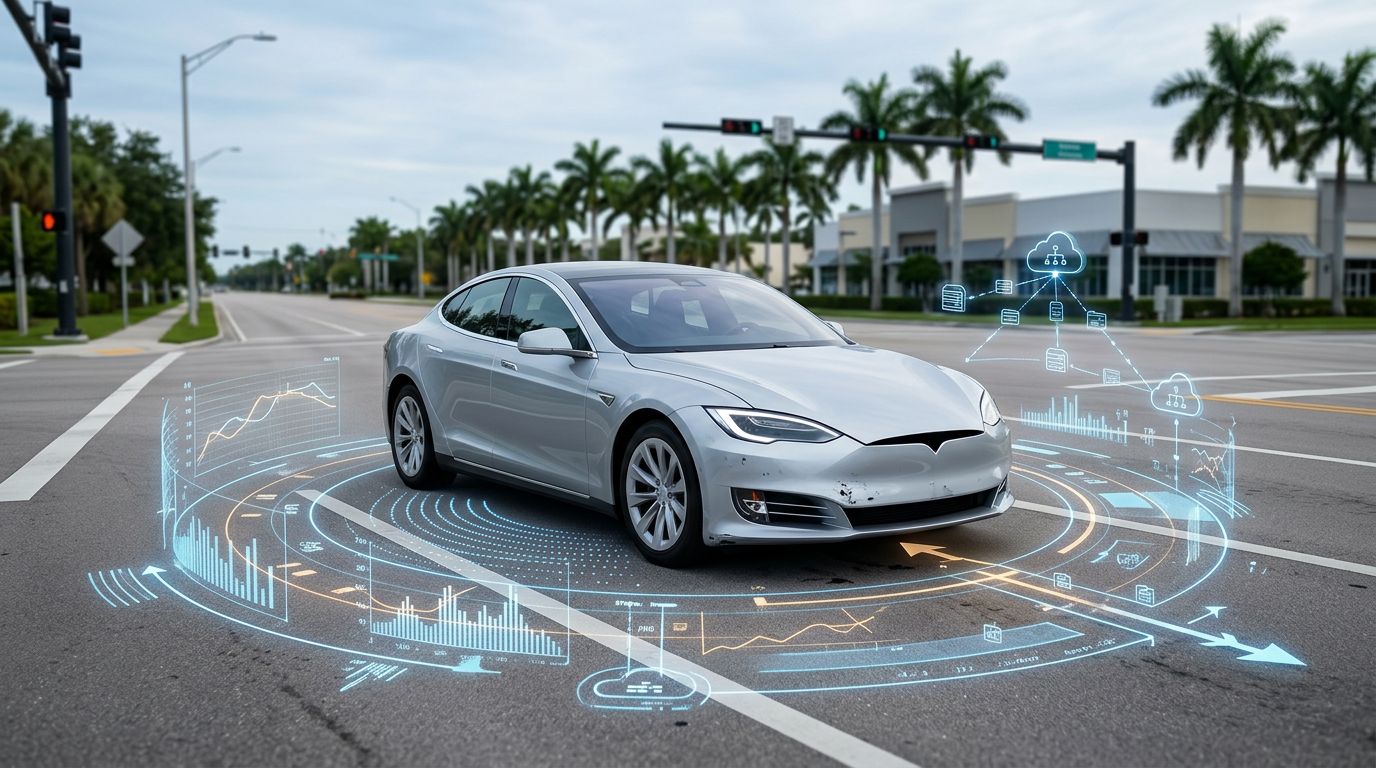
A self-driving vehicle can record more than a conventional crash report, yet the most useful files may disappear before an injury claim begins. For self-driving car crash claims, logs can show whether a human drove, a driver-assistance feature was active, or an automated driving system made the steering or braking decision.
The distinction matters in Florida. A vehicle may be repaired, sold for salvage, updated remotely, or have cloud data deleted while insurers and companies assess fault. Prompt preservation requests can protect evidence that later proves how the collision unfolded.
What self-driving car crash claims depend on
The phrase “self-driving” doesn’t establish who is legally responsible. A Level 2 system, such as adaptive cruise control combined with lane-centering assistance, still requires the human driver to monitor the roadway. A higher-level automated driving system may perform the driving task within defined operating conditions.
A claim investigation must identify the vehicle’s automation level and determine whether the system was engaged at the moment of impact. The investigation should also address whether the driver received a warning, whether the system requested a takeover, and whether the driver responded.
Vehicle data may show that the car detected another vehicle, pedestrian, roadway obstruction, or lane departure before the crash. It may also show whether the system issued a braking command, changed lanes, disengaged, or failed to respond to an object.
Human conduct still matters. Florida’s modified comparative negligence rule can reduce compensation based on an injured person’s share of fault. A finding that the injured person was more than 50% at fault can bar recovery in most negligence cases. Learn more about the Florida modified comparative negligence rule before giving recorded statements about the crash.
Which vehicle data should be preserved
The most valuable evidence often exists in several locations. Some files remain inside the vehicle, while others move to a manufacturer’s servers or a fleet operator’s account.
Data stored inside the vehicle
An event data recorder may capture speed, braking, seat belt use, airbag deployment, and other information surrounding a collision. Its contents can help establish the vehicle’s movement and the timing of impact.
Automated driving systems can create more detailed records, including camera, radar, lidar, ultrasonic, GPS, and inertial sensor data. These files may show what the vehicle perceived and how the system classified nearby objects.
System logs may also record:
- Whether automated driving or driver assistance was active.
- Warnings, takeover requests, and system disengagements.
- Steering, throttle, and braking commands.
- Software versions, map data, and over-the-air updates.
- Sensor faults, calibration problems, and diagnostic alerts.
- Previous repairs, maintenance, and safety-related service work.
A screenshot is not the same as a complete data production. Preservation requests should seek native files, timestamps, metadata, audit information, and the manufacturer’s explanation of the file format.
Records held outside the vehicle
Manufacturers may store telemetry, trip histories, diagnostic reports, camera clips, and system alerts in cloud accounts. A rideshare or delivery company may hold dispatch records, driver communications, route information, and remote assistance records.
Other evidence can include dashcam footage, cell phone video, nearby business surveillance, traffic-camera recordings, witness statements, 911 calls, and police photographs. NHTSA’s reporting system may provide another lead because its Standing General Order on Crash Reporting requires certain entities to report qualifying crashes involving automated driving systems and Level 2 driver-assistance vehicles.
Florida rules set different clocks for different records
Florida’s autonomous-vehicle framework requires a separate mechanism to capture and store at least 30 seconds of sensor data before a collision. The recorded information must remain in read-only form and must be preserved for three years after the crash.
That rule can protect a defined segment of pre-crash sensor evidence. It doesn’t necessarily preserve every camera clip, software log, map file, remote communication, or cloud record created by the vehicle.
A three-year retention period protects required pre-crash sensor data, but it isn’t a promise that every related file will remain available.
Florida’s general crash-report law creates another set of rules. Identifying information in a crash report is confidential for 60 days after the report is filed. Electronically stored crash data held by a government agency receives similar protection. After that period, access to personal information remains controlled and may require an eligible requester and a memorandum of understanding.
An injured person or the person’s legal representative can request crash information, but the police report won’t usually contain the manufacturer’s complete automated-driving log. Those records normally require a direct preservation demand, formal discovery, or a subpoena.
Florida also has reporting requirements for manufacturers of certain large autonomous vehicles. When an autonomous vehicle weighing 10,001 pounds or more operates on a public road with its automated driving system engaged, the manufacturer must report qualifying collisions involving property damage, bodily injury, or death within 10 days. Annual reports may also include disengagement information.
Federal reporting adds another potential record source. NHTSA’s automated driving system crash-reporting order addresses crashes involving ADS-equipped vehicles on publicly accessible roads. A federal incident report is useful, but it doesn’t replace a request for the raw vehicle data.
Steps to preserve evidence after a Florida crash
1. Report the crash and describe the vehicle accurately
Call law enforcement and obtain the report number. Tell the responding officer the vehicle’s make, model, and technology. State whether the driver used a feature such as lane-centering or adaptive cruise control, or whether a fully automated system was operating.
Don’t guess if you don’t know the vehicle’s mode. A mistaken statement can create problems later. Ask that visible warnings, dashboard messages, vehicle damage, and unusual system behavior be documented.
2. Get medical care and keep the records
Prompt medical evaluation creates a record of the injuries and symptoms associated with the collision. Keep discharge papers, prescriptions, diagnostic results, bills, work restrictions, and follow-up instructions.
Florida’s no-fault insurance system may provide initial personal injury protection benefits, but PIP doesn’t answer who caused the crash or whether a separate injury claim is available.
3. Stop the vehicle from being altered or discarded
Tell the owner, insurer, storage facility, manufacturer, and repair shop in writing that the vehicle and its electronic data must be preserved. If the vehicle is at risk of being declared a total loss, send the request before it goes to salvage.
Ask that no one reset the vehicle, remove electronic modules, install an update, erase stored footage, or repair damage before a qualified inspection. If an update or repair already occurred, preserve every invoice, work order, software notice, and diagnostic report.
4. Send a detailed preservation request
A useful request identifies the date, location, VIN, parties, and collision. It should cover the vehicle, the automated-driving system, cloud accounts, mobile applications, manufacturer databases, fleet systems, and third-party service providers.
Request preservation of system logs, sensor data, EDR information, software and map versions, warning records, disengagements, maintenance history, driver-monitoring records, remote communications, and data-retention policies. Ask recipients to preserve both the original files and the metadata that explains when they were created or changed.
5. Protect your own digital evidence
Save photographs and videos in their original format. Keep copies of dashcam footage, phone recordings, text messages, location history, and communications with insurers. Write down what you remember about traffic, weather, warnings, system behavior, and the seconds before impact.
Don’t edit or crop the only copy. Note who created each file, when it was obtained, and where the original remains. This basic chain-of-custody record can help establish that the evidence is authentic.
What happens when a company withholds the data?
Manufacturers and fleet operators may claim that automated-driving records contain trade secrets, personal information, or proprietary code. Those concerns can often be addressed through a protective order, restricted access, redaction, or production of relevant portions.
A preservation letter doesn’t automatically force production. If voluntary cooperation fails, a lawyer may seek vehicle inspection, third-party subpoenas, formal discovery, or a court order. The request should ask for the records themselves, not only a company summary of what happened.
Counsel can also request the company’s retention schedule, deletion policy, audit logs, data map, software history, and confirmation of whether any files were lost. If a party had a duty to preserve evidence and later destroyed or withheld it, the court may consider spoliation remedies. The result depends on the timing, importance of the evidence, prejudice to the claim, and reason for the loss.
A lawyer handling self-driving car crash claims can compare the company’s production with the vehicle’s physical damage, witness accounts, police photographs, medical records, and available video. Conflicts between those sources may reveal incomplete data or an inaccurate account of the crash.
Who may be responsible for an autonomous vehicle crash?
The driver may be responsible when a Level 2 feature was active and the driver failed to monitor the road. However, the driver isn’t automatically the only possible defendant.
Depending on the evidence, a claim may involve the vehicle owner, a rideshare or delivery company, an automated-driving software developer, the manufacturer, a remote operator, or a repair facility. A defective sensor, poor warning, unsafe software decision, negligent maintenance, or improper deployment may raise separate legal issues.
Data helps connect the legal theory to specific facts. For example, a log may show that the system detected an obstacle but failed to brake. Maintenance records may show that a sensor had repeated faults. Software records may establish that the vehicle received an update shortly before the collision.
If a company vehicle or commercial fleet was involved, more than one insurance policy may apply. People injured in Florida crashes can review Florida car accident legal help while gathering records and considering a claim.
Preserve the record before the story changes
A damaged autonomous vehicle is also an electronic evidence source. The system may contain the timing, commands, warnings, and sensor readings needed to determine what happened, but those records can be altered or lost through repair, salvage, software updates, or routine deletion.
For self-driving car crash claims, early written preservation requests are as important as photographs and medical records. Protect the vehicle, identify every company with access to its data, and get legal help before an insurer or manufacturer controls the evidence that may decide fault.