
How to Preserve Dashcam Video After a Florida Car Crash
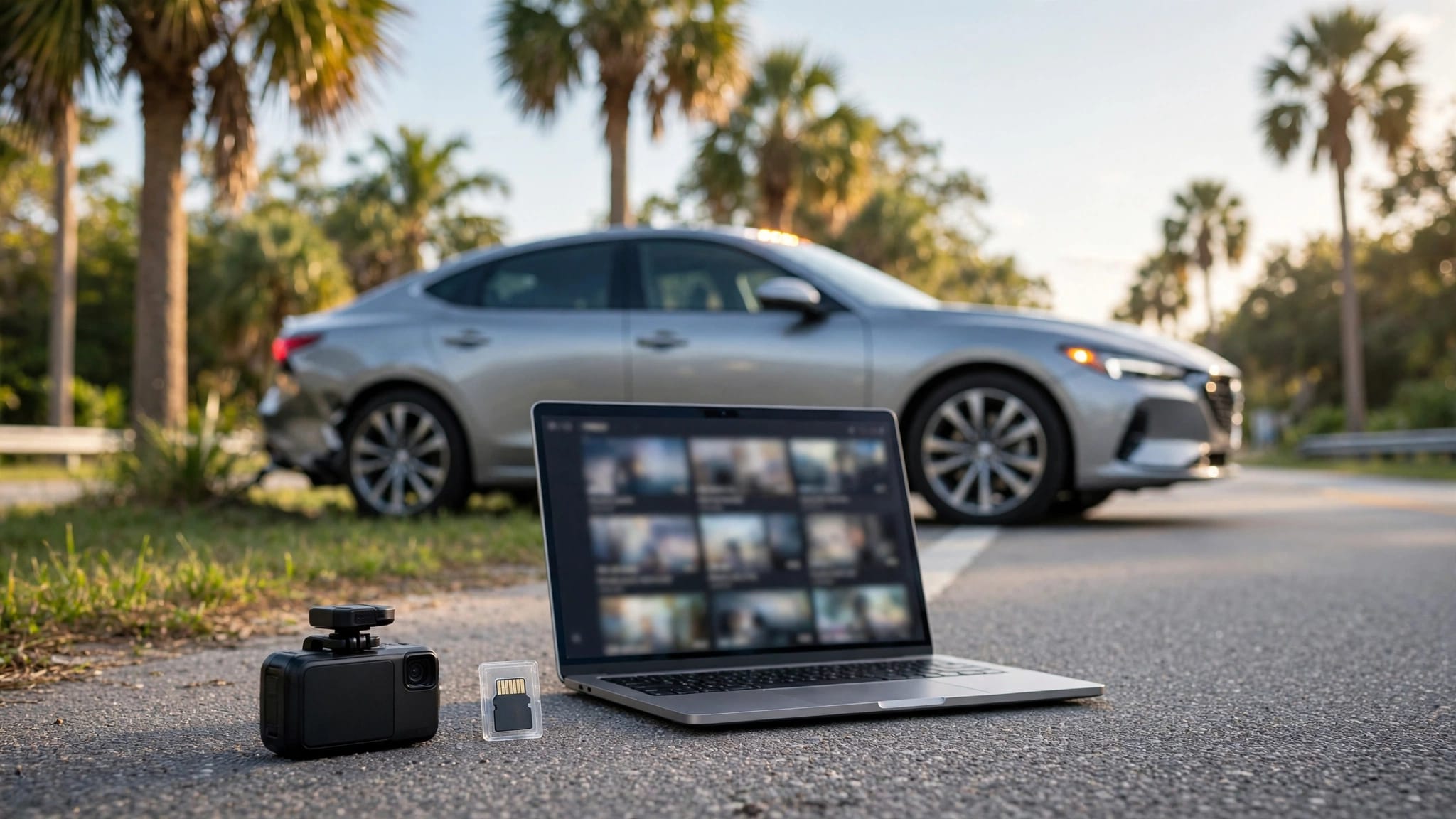
To preserve dashcam video after a Florida car crash, save the relevant recording promptly, protect it from loop recording, and retain the original files. A collision alert or locked clip doesn’t replace a separate backup.
Your health comes first, but footage needs attention as soon as you’re safe. Many dashcams record over older files during normal use, so preventing overwrite can matter before an insurer begins investigating.
Start with the camera’s save controls, then protect the recording and the information needed to explain it.
Key Takeaways
- Save the approach, impact, and aftermath, including separate front and rear recordings when available.
- Keep original files, and use separate copies for viewing, sharing, or preparing shorter clips.
- Record any incorrect camera timestamp without changing the original footage.
- Document who copied, stored, or received the recording.
- Request other available footage promptly, because businesses and other drivers may lose recordings through routine overwriting.
- Preserve video alongside photographs, witness information, vehicle evidence, and medical records.
Protect the Recording Before It Gets Overwritten
Call 911 when someone is injured or the collision creates an immediate danger. Don’t enter traffic or return to an unsafe vehicle for a camera. FLHSMV’s guidance for drivers after crashes explains reporting and information-exchange responsibilities.
Once conditions allow, focus on saving the recording before ordinary camera operation replaces it.
Use the camera’s save or event-lock control
Use the save function available on your camera. For example, Garmin Dash Cam 10 and 20 models have a Save control that retains video recorded before and after activation.
However, automatic impact detection doesn’t prove that the camera captured everything relevant. A collision may occur outside its view, or the saved segment may omit an earlier lane change.
Preserve the surrounding files as well. If your system records multiple views, save each available channel, including rear or cabin footage that could provide context.
Prevent further loop recording
After the relevant footage finishes saving, prevent continued loop recording through your model’s recording or power controls. Some cameras keep recording while the vehicle remains parked.
A protected folder isn’t a substitute for a separate copy. Storage settings differ, and some devices allow protected recordings to be overwritten.
Don’t spend time experimenting with unfamiliar menus. If you cannot safely stop recording, a trusted person or qualified technician can help protect the device while you receive care.
Keep Original Files and Separate Working Copies
The original recording contains more information than a screenshot or social media upload. Its filename, associated data, and surrounding segments can help establish when and how the camera recorded events.
Preserve dashcam video in its original form before preparing anything shorter for an adjuster.
Retain the full recording and related files
When copying footage from accessible storage, copy rather than move the files. Keep the original storage device secure after copying.
Include adjacent recording segments because many dashcams divide continuous video into separate files. Also retain associated GPS or other data files when the system stores them separately.
Don’t crop, mute, brighten, or add captions to the originals. If a shorter clip helps explain the collision, create it from a working copy and retain the complete source recording.
A phone recording of the dashcam’s screen can document what you saw, but it shouldn’t replace the underlying files.
Make backups you can actually open
Keep separate backups, such as one on an external drive and another in secure cloud storage. Avoid leaving every copy on the same phone or computer.
Open the copied files and play the relevant sequence. Confirm that the approach, collision, and aftermath are present. A filename or thumbnail alone doesn’t establish that the complete recording transferred.
Some apps export a converted or shortened version. Retain the source files even when an app-generated copy looks clear, and don’t assume a text-message attachment preserves the original quality.
Document the Timestamp and File History
Video is easier to evaluate when its timing and handling are clear. A simple written record can prevent avoidable questions about an incorrect clock or an unexplained transfer.
Keep these notes separate from the original footage.
Explain an incorrect camera clock
A dashcam timestamp may be wrong because of an unset clock, time-zone settings, or a power interruption. Don’t alter the original video to make its displayed time match the crash.
Instead, write down the discrepancy and its basis. Compare the displayed time with reliable records, such as a 911 call, phone photograph, or towing receipt.
Also preserve identifying information about the camera, including its make, model, and available serial number. That information can help explain how the system recorded and stored the footage.
Track who handled the recording
Record when you copied the files, where you stored them, and who received them. Keep emails or transfer confirmations when sending footage to police, an insurer, or an attorney.
This handling record supports efforts to establish authenticity. It doesn’t automatically make the video admissible or resolve every evidentiary issue.
If someone else retrieves the files, ask them to document their work and retain any associated recovery records.
Protect the Camera Before Towing or Repairs
Tell the tow operator and storage facility that the vehicle contains a dashcam and relevant recording media. Identify the camera’s location without entering unsafe wreckage.
Keep a written record of the vehicle’s location and who controls access. Before repairs, salvage, or disposal, discuss preservation of the camera, storage media, and relevant vehicle components with your attorney.
If the camera or card appears damaged, avoid repeated attempts to power it on, format it, or repair it through unfamiliar software. When a device asks to format storage, don’t accept that prompt on the only copy of potential evidence. Qualified recovery assistance may be appropriate.
The vehicle itself may also hold separate electronic evidence. Depending on the vehicle and collision, an event-data recorder may contain information about speed, braking, or throttle activity. That information is distinct from dashcam video and generally requires specialized retrieval.
Our discussion of evidence in Florida pileup claims explains why the sequence of impacts and surrounding evidence can matter in multi-vehicle disputes.
Request Other Footage Before It Disappears
Your camera may miss the other driver’s approach or the signal controlling an intersection. Nearby businesses, homes, delivery vehicles, or other motorists may have a better view.
Identify potential sources promptly. Give the owner the crash date, location, approximate time, travel direction, and vehicle descriptions. Explain any uncertainty about the time so the search doesn’t miss relevant footage.
Request preservation of a reasonable period before and after the collision. A recording that begins at impact may omit the conduct that caused it.
A preservation request doesn’t create a recording or guarantee that one still exists. Its immediate purpose is to ask the person controlling existing footage to prevent routine deletion.
An attorney can send preservation letters and pursue available legal procedures when another party controls relevant evidence. Don’t assume every traffic camera records or stores video.
This is especially important in Florida sideswipe fault disputes, where one angle may show lane movement that another camera misses.
Use Video Alongside the Rest of Your Florida Claim
Dashcam footage can support an injury claim, but its meaning depends on what the lens captured. It also needs to fit the physical evidence and reliable timeline.
Recognize what the camera cannot establish
A wide-angle lens can affect how distance and speed appear. Glare, darkness, obstructions, or missing frames can also limit interpretation.
Don’t guess about speed or exact following distance because a clip seems persuasive. Distinguish what you observed from what you inferred.
Likewise, an impact recording doesn’t establish the full extent of an injury. Medical records, treatment history, work restrictions, and financial documentation address losses that video alone cannot prove.
Keep the complete recording even if part appears unfavorable. Selective deletion can create serious evidentiary problems.
Compare footage with the crash report
Obtain the available report through FLHSMV’s official crash report process. Compare its vehicle numbers, travel directions, lane descriptions, and diagram with the recording.
Preserve evidence of any material discrepancy. An officer’s narrative or citation doesn’t make the final determination of civil liability.
If no officer prepared a report, other evidence still matters. Our guide to claims without police reports addresses how photographs, witnesses, and original recordings can support a Florida accident claim.
Frequently Asked Questions
Should I send the video to the insurance company?
Keep the originals and backups before sharing a copy. Follow your own policy’s notice and cooperation requirements, and keep a record of what you provided.
If fault is disputed or the recording contains sensitive material, an attorney can advise you about responding to requests. Avoid posting the footage publicly.
What if the dashcam didn’t save the crash?
Preserve the camera and storage media, and avoid formatting them or recording more footage onto them. Missing footage isn’t necessarily recoverable, but a qualified specialist may be able to assess it.
Meanwhile, seek other recordings and preserve photographs, witness contacts, and vehicle evidence. Don’t delay those steps while pursuing recovery.
Does saving video replace Florida crash-reporting duties?
No. Video preservation and crash reporting are separate responsibilities. Florida can require a driver to submit a written report within 10 days when a crash involves property damage and doesn’t require a law-enforcement report.
FLHSMV’s crash-reporting questions and answers explain the state’s reporting forms and procedures.
Preserve the Recording Before the Evidence Changes
The strongest preservation approach protects original files and context. Save the relevant sequence, prevent overwrite, keep separate backups, and document how the footage was handled.
Video works alongside witness accounts, vehicle evidence, and medical records. We can review those materials and address preservation needs as part of your Florida injury claim.
Contact Avard Law Offices for a free consultation about your crash and the evidence available.