
doorbell and ring camera footage after a cape coral crash, how to find nearby cameras and ask for video (scripts, map tips, deadlines)
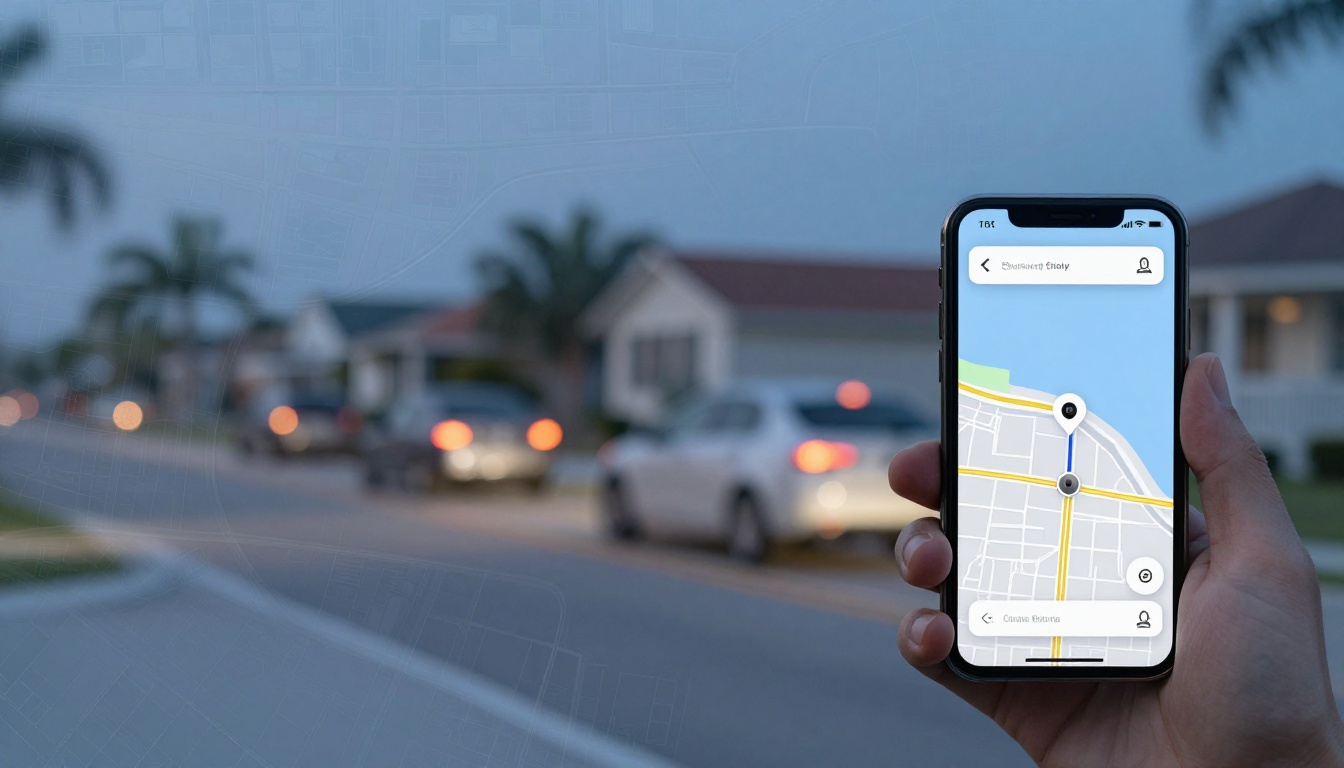
After a Cape Coral crash, people remember the sound of impact, the shock, the quick rush of details. Then the stories start to drift. That’s why doorbell camera footage can feel like a silent witness that doesn’t get tired, nervous, or persuaded.
The problem is simple: video is fragile. Many systems record on a loop, cloud clips auto-delete, and the person who can help you today might be off shift tomorrow. If you think a Ring or other doorbell camera caught the roadway, treat it like fresh produce. You don’t wait a week and hope it’s still good.
Below is a practical, local guide to evidence collection: finding nearby cameras, asking the right way, and protecting the footage before it disappears.
Why doorbell camera footage disappears faster than people expect
Most homeowners don’t realize how quickly their video data can change when storing videos. Some devices only save clips if the owner pays for cloud recording. Others save for a set number of days, then auto-delete. And if motion settings didn’t trigger, there may be nothing saved even if the camera “looked” at the street.
For Ring devices, storage depends on the owner’s plan and settings. As of February 2026, Ring cloud storage can be set to store video up to 180 days with a subscription, with common defaults around 30 to 60 days depending on the device. That still means a crash from last month can quietly fall off the timeline if nobody downloads it.
Also, doorbell videos often capture the lead-up better than the impact. A camera might not show the exact moment of contact, but it can show a car drifting over a line, failing to stop, or speeding into an intersection. In an insurance dispute, that “before” footage is often the part that matters.
If you’re collecting other proof at the same time, keep it organized. Video works best when it matches the report time, photos, and medical timeline. This Cape Coral car crash evidence checklist is a solid way to structure collision evidence in the first week so key records don’t slip through the cracks.
How to Identify Nearby Ring and Doorbell Cameras in Cape Coral with Map Tips (Without Guessing)
Start by thinking like the camera. Doorbells and driveway cams usually point toward a front walk, but many also catch the street, especially on corners, canal bridges, and T-intersections.
A quick on-the-ground scan helps, but you’ll get better results if you map your search for nearby cameras. Here are the approaches that tend to work in Cape Coral:
- Walk the “camera cone” first. Stand where the crash happened and look outward. Homes on the outside of a curve and homes on corners have the best angles. So do properties facing stop signs, school zones, and busy corridors like Pine Island Road and Del Prado Boulevard.
- Check for likely security camera mounts. Even if you don’t see a Ring doorbell, look for:
- Doorbells with a large faceplate
- Under-eave cameras near garage doors
- Small “bullet” cameras on corner trim
- Community entrance cameras at a gate or monument sign
- Use parcel tools to find the right contact. If you need a homeowner’s mailing info for a written request, while crime maps are often used for safety, the city’s interactive GIS maps are better for property owner identification. They can help you identify the property address tied to a camera view. Start with Cape Coral interactive GIS maps and look for parcel and address layers. This isn’t about bothering strangers; it’s about sending a clear, respectful request to the correct place.
- Look for shared posts around the area. Some residents post clips publicly after notable events. The Neighbors app by Ring can show community posts by location. You might find a post that already captured the crash, or you might identify active neighbors and interact with them through the app.
When you build your “camera map,” don’t overreach. You’re looking for viewpoints that could see the roadway. Two or three good angles beat twenty random knocks on doors.
How to Ask a Homeowner for Video: Scripts That Actually Get a Yes
The biggest mistake when requesting video is asking like an investigator. The second biggest is asking like you’re entitled to it. You’ll get farther by being calm, specific, and brief.
Your goal is preservation first, copy second. For private cameras, if they won’t share it today, you still want them to save it so it doesn’t auto-delete.
In-person door knock script (30 seconds)
Hi, my name is ___ . I was in a car crash right by your home on ___ (street/intersection) on ___ (date) around ___ (time). I noticed you may have a doorbell camera that could’ve captured the road.
If it did, would you be willing to save the footage from about ___ to ___ and let me know the best way to get a copy for insurance?
If they hesitate, add one line:
I’m not asking you to get involved, I just don’t want the video to delete before the insurance companies sort it out.
Text message script (when you get a phone number)
Hi, this is ___ . Thank you for speaking with me. If your camera captured the roadway, could you please save any clips from ___ (date) between ___ and ___? If it’s easy, a downloaded copy with the timestamp helps.
What details to bring so they can find it fast
Keep this tight, like you’re helping them search their own app:
- The date and a 30 to 60-minute window
- The crash location, stated as an address or intersection
- Vehicle descriptions (color, direction of travel)
- Your email, so they can send a file or link
Don’t overshare medical details. Don’t argue about fault. Don’t threaten legal action at the doorstep. People shut down when they feel accused.
If they say “I can’t share it”
That’s common. Reply like this:
I understand. Would you still be willing to preserve it so it doesn’t delete? If you prefer, I can email or drop off a short written request with the date and time window.
If the footage is important and the owner won’t cooperate, an attorney can take formal steps later, but only if the footage still exists. For other camera sources, including stores and gas stations, this guide on Cape Coral crash surveillance video explains how to ask for preservation and why businesses often overwrite surveillance footage quickly.
Map tips for “high probability” camera locations near a crash
Think of Cape Coral like a grid with pockets of heavy traffic. Near the accident scene, cameras cluster where residents feel exposure and where property layouts give a clear view.
High probability camera spots in residential security systems include:
- Corner lots near stop signs and four-way stops
- Homes facing collector roads where traffic cuts through neighborhoods
- Driveways near intersections where headlights trigger motion events
- Community entrances (HOA signage, gate arms, clubhouse areas)
Conduct property checks of the physical environment to ensure no lens angles were missed.
Also, don’t ignore the house that sits back from the road. A wide-angle camera under an eave can still see a surprising amount of street.
If you’re building a list, write down: address, camera direction, who you spoke with, and what they said. That simple log can matter later if someone claims they “never had footage.”
Deadlines that matter (and why “there’s time” is usually wrong)
Florida law doesn’t give a neat deadline that says, “doorbell video must be saved by Day X.” Video serves as an objective alternative to witness testimony, but the lawsuit deadline is different from the evidence reality.
Here’s the practical timing that matters after a Cape Coral crash:
- First 24 to 72 hours: Your best window to catch homeowners before clips cycle out, phones get replaced, or settings change.
- First 7 days: A common overwrite period for many non-cloud systems and business DVR loops.
- Weeks later: Still possible for some cloud accounts, but you’re relying on the owner’s storage settings and subscription status.
Florida’s negligence lawsuit deadline is often discussed as a longer window (for many crashes it’s now two years), but that’s not your video deadline. Video can be gone long before any claim gets serious.
If police responded, you may also want official video recordings. Body-worn camera footage from the police department can capture statements, visible injuries, and impairment signs for the crash investigation. This Cape Coral body cam footage request explains how to ask the local authorities or the right police department, what wording helps, and what delays to expect.
Conclusion
A crash claim can turn on one plain clip of doorbell camera footage. This surveillance footage serves as the silent witness that’s hard to argue with. The best approach is fast and respectful: map the likely camera angles, ask for preservation first, and follow up in writing when needed.
If you’re dealing with injuries and a fault dispute, act like the video expires, because it often does. Capture footage of what you can now, then get help obtaining footage for the rest while the evidence is still there.