
Cape Coral Crash and Traffic Tickets: How to Pull the Full Citation Packet and Traffic Court File
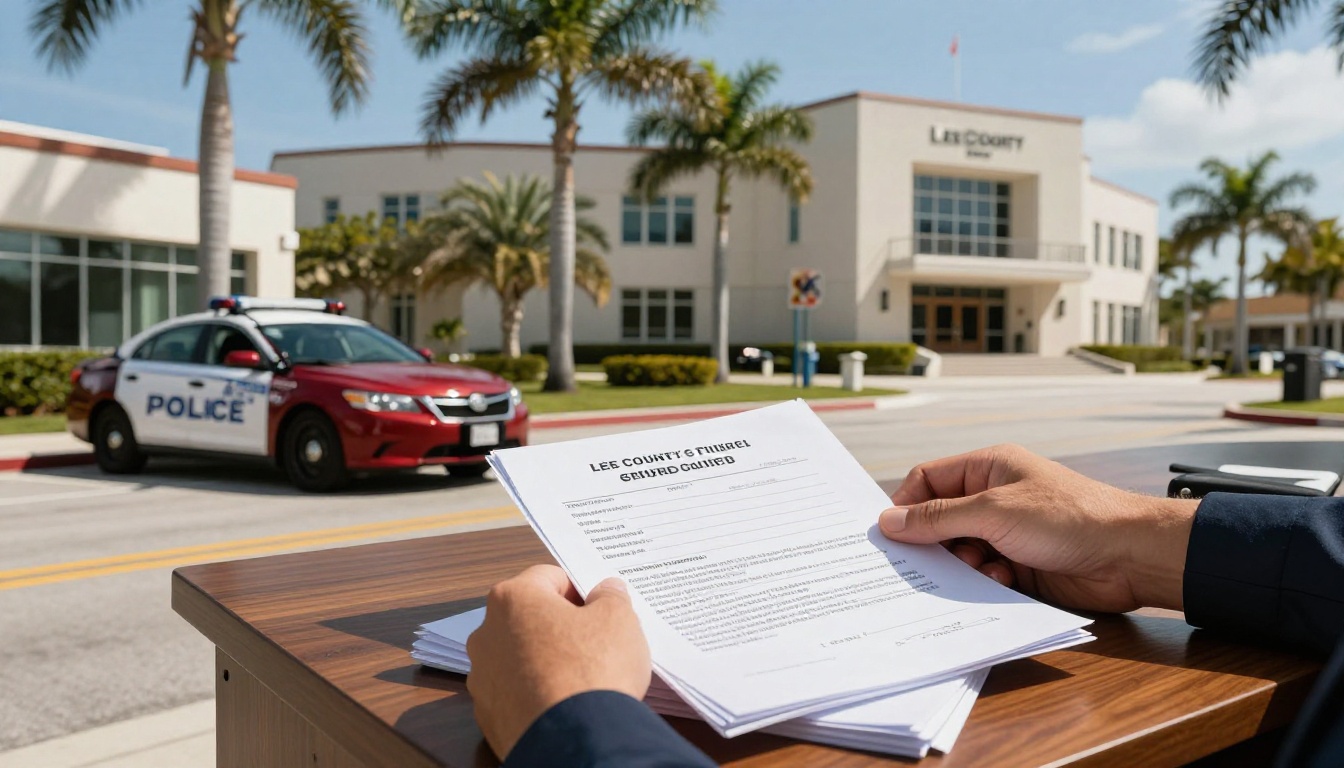
A uniform traffic citation can feel like a simple slip of paper until it starts affecting your license, your insurance, or a crash claim. After a wreck, that one citation can also become a “first draft” of what happened, even if it’s incomplete or wrong.
If you’re dealing with Cape Coral traffic tickets, don’t guess about what the court has. Pull the full citation packet (the citation plus the clerk’s docket and documents) and read what’s actually in the traffic court file. It’s the difference between reacting to rumors and responding to facts.
Below is a practical, Lee County focused guide to where to look, what to download, and how to use what you find.
Citation number vs court case number, and why it matters in Cape Coral
The traffic citation you received roadside is the starting point, not the whole story. In Florida, a traffic stop usually produces a Uniform Traffic Citation (UTC). Once it’s submitted and entered, the Lee County Clerk of Courts creates a court case tied to that citation.
That distinction matters because people often search the wrong number, then assume “nothing is on file.”
Here’s the quick way to think about it:
- The citation number is what the officer issued. It’s usually printed clearly on the ticket.
- The case number is what the clerk assigns after the ticket is filed and opened in the court system.
A motor vehicle crash can also change the track your matter lands on. Many issues are treated as civil traffic infractions, but some crash related allegations can land in criminal traffic, or connect to a separate criminal case. That affects what documents exist and what you can view online.
If your ticket doesn’t show up right away, time is often the reason. The clerk’s systems can take days to reflect new citations. If you’re on a deadline to pay, elect driver improvement course, or request a hearing, waiting until the last week is risky.
When a crash happened and you’re also trying to build an injury claim file, pull your Cape Coral crash records too. The court file is not the same as the police crash report. If you need a separate walkthrough for that document, use this guide on how to get your Cape Coral car accident report.
Once you have the citation number, the driver’s name (as written on the citation), and the general date of issuance, you’re ready to search the clerk’s system.
Where to pull the Lee County traffic court file online (and what to click)
For Cape Coral tickets and many crash related traffic cases, the main online starting point is the Lee County Clerk of Courts official records inquiry portal for online records search: Lee County Clerk of Courts Records Inquiry. This is where you search, open the case, and view available docket entries and documents.
If you want the clerk’s official “how it works” pages for context, these are the most relevant: Court Case Records and the clerk’s Traffic and Ordinance page (which also explains the basic 30-day action window and common compliance options, including citation fees via payflclerk.com).
A clean process usually looks like this:
- Search by case number if you have it. It’s the fastest path to the right file.
- If you don’t have a case number, search by citation number. That often works once the ticket is entered.
- If the citation search fails, search by name. Use the spelling as printed on the citation, including suffixes.
- Open the matching case and read the register/docket first. The docket is your table of contents.
- Download every available PDF document tied to the docket entries (not just the citation image).
- Check for linked events and future dates. Hearings, compliance deadlines, and “failure to comply” actions can appear as separate entries.
- Save your files with clear names (example: “2026-02-08 Notice of Hearing.pdf”) so you can sort them later.
Two important reality checks:
First, not every document is viewable online. Florida courts follow access rules that can restrict certain items like confidential personal information, and some older files may require a formal request.
Second, the online file is the court’s file. If your goal is to prove what happened in the crash itself, you may need a separate public records request for items like dispatch logs, body worn camera footage, or third party video.
What to download from the citation packet, and how to use it to contest the citation in a crash or ticket strategy
Think of the full citation packet like a folder the court would hand you if you walked up to the clerk’s window. Some cases will be thin, others will grow over time. Your job is to capture the file as it exists now, then update it if new documents appear.
As you download documents using the download link, prioritize items that answer three questions: What are you charged with, what must you do next, and what proof exists about the stop or crash?
The “must-have” downloads (and what each one tells you)
| Document in the court file | What it usually contains | How it helps you |
|---|---|---|
| Citation (UTC) image/PDF | Florida Statutes, alleged speed or conduct, date/time, location, officer | Confirms the exact charge and identifies the issuing agency and officer |
| Register of actions (docket) | A timeline of filings, payments, settings, and orders | Shows deadlines, status, and whether the case is moving toward suspension or collections |
| Notices (hearing, arraignment, compliance) | Court date, courtroom info, instructions | Prevents missed court dates and “failure to appear/comply” problems |
| Disposition/order (if entered) | Dismissal, adjudication, withhold, civil penalty, costs assessed | Tells you the outcome that insurers and the FLHSMV may react to, including points and suspensions |
| Proof of compliance (if filed) | Traffic school election, completion, insurance proof, affidavit | Confirms the clerk actually received what you sent |
Using the file after a Cape Coral crash
If you were cited after a collision, the court file can support your larger evidence package alongside crash reports from the Florida Crash Portal under section 316.066, but it shouldn’t be the only thing you rely on. A citation can influence negotiations, yet it doesn’t automatically decide civil fault.
Still, the traffic court file is useful because it pins down key identifiers: the officer’s name, the law enforcement agency, the time and location, and sometimes the specific allegation (failure to yield, careless driving, following too closely). Those details help you request other records and challenge inaccuracies.
This is also where video and officer footage can matter. If police video exists, it may capture statements, vehicle positions, or signs of impairment. For a focused walkthrough on requesting it, use this Cape Coral body cam footage request guide.
And if you’re building an injury claim, organize your records like you’re building a timeline, not a pile. The ticket and court file should sit next to photos, witness info, medical records, and repair documents. A practical roadmap for what to gather early is this Cape Coral car crash evidence checklist.
A simple way to “use” the packet without overthinking it
Read the citation, then read the docket top to bottom. Write down:
- The exact statute and allegation
- Every deadline and court date, including traffic court hearing
- What the clerk shows as “received” from you (payments, school, proof)
- Anything that looks wrong (wrong vehicle, wrong location, wrong date)
If something is wrong, that’s not a problem you fix by hoping. It’s a problem you fix with documents, timing, and a plan.
Conclusion
Traffic paperwork is boring until it’s expensive. Pulling the full court file for Cape Coral traffic tickets gives you the same view the judge, clerk, and insurers rely on, and it helps you spot issues early while they’re still fixable.
If your ticket is tied to a crash, treat the citation packet as one piece of a bigger proof file from Lee County records; you may need to self-report a crash if no officer was present. The stronger your records, the harder it is for the story to get rewritten later. For full administrative compliance, check your driver license status and consult the Cape Coral City Clerk for any non-court municipal records if needed.