
How to Get Florida DOT (FDOT) Traffic Camera Footage for a Cape Coral Crash, request steps, contacts, and deadlines
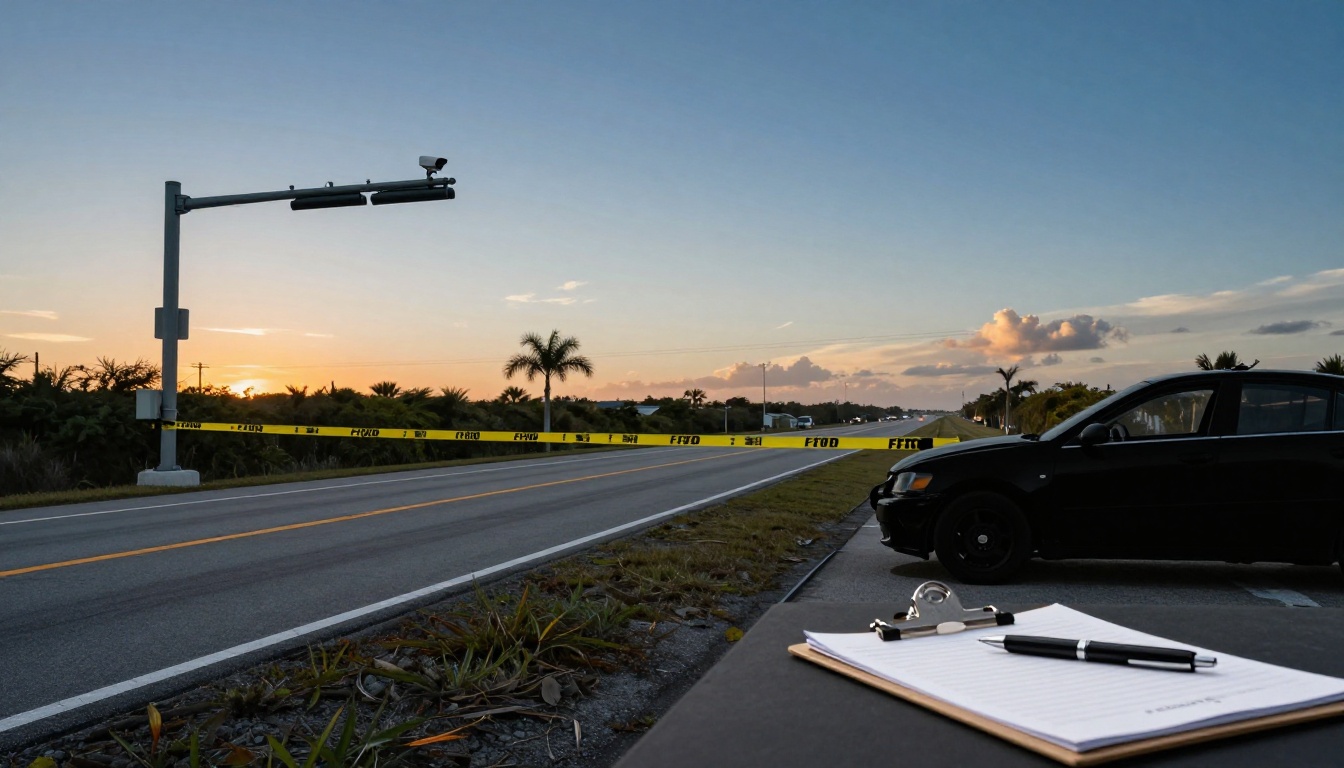
After a serious crash in or near Cape Coral, the story can turn into a tug-of-war fast. Drivers remember things differently, witnesses leave, and skid marks fade. FDOT traffic camera footage can act like a neutral witness that doesn’t get distracted or forget.
The hard part is timing. Video systems often overwrite quickly, and not every camera records. If you think an FDOT camera may have captured your collision, treat it like fresh produce. The value drops every day you wait.
This guide explains how to request FDOT traffic video for a Cape Coral or Lee County crash, who to contact, what to ask for, and what deadlines can quietly ruin the search.
What FDOT cameras can (and can’t) prove after a Cape Coral wreck
FDOT cameras are mainly used for traffic management on state roads. In Lee County, they’re most likely to be found along or near major state corridors (for example, I-75, US-41, and certain state routes). If your crash happened on a purely city street, an HOA entrance, or a private parking lot, FDOT may not have the camera you need.
When footage exists, it may help show:
A clear sequence of events leading up to impact, including lane changes, red-light timing (at some locations), and whether traffic was stopped or flowing. It can also help verify weather, visibility, congestion, and how long vehicles remained at the scene. For insurers, that context matters because it supports or undercuts common defenses like “they came out of nowhere” or “there was no time to stop.”
There are also real limits. Many traffic cameras are positioned for flow, not for courtroom clarity. Plates may not be readable, and the angle might miss the exact moment of impact. Some locations provide a live feed with no stored archive. Others may store video briefly, then overwrite it.
One more point that trips people up: FDOT is not the keeper of Florida crash reports. FDOT explains that the Florida Highway Safety and Motor Vehicles agency is the official custodian. Start with FDOT’s overview of requesting public crash records and data so you don’t waste time asking the wrong office for the wrong record.
What to gather before you request FDOT traffic camera footage
A good request is specific enough that an employee can find the right clip without guessing. If you can’t name the intersection, that’s fine, but you need to pin down the location in a way that matches how FDOT catalogs cameras.
Try to collect these details first (from your crash report, photos, or a map):
- The date of the crash
- The time as close to the minute as possible (and note AM/PM)
- The exact location, including the road name and direction (example: “northbound US-41 near …”)
- A short time window to search (example: 10 minutes before through 10 minutes after)
- The responding agency and report number (Cape Coral Police, FHP, Lee County, etc.)
If you’re unsure whether the camera was FDOT’s, you can still submit the request, but be clear that you’re asking FDOT to check its traffic management cameras for that corridor. In many cases, the fastest path is to request preservation first (even before you have every detail), then send a follow-up with the report number and refined time window.
Also think about how you want the video delivered. If a claim is likely, you usually want the best available quality with any timestamp overlay intact, not just a screen recording. Ask for the native export if available, plus a playable copy.
Step-by-step: how to request FDOT traffic camera footage (and who to contact)
FDOT handles traffic video requests through Florida’s public records process. The most reliable method is FDOT’s dedicated portal. FDOT also accepts requests by email, phone, fax, or mail.
Here’s a practical way to do it without adding delays:
- Submit a preservation request immediately. Use simple language like: “Please preserve any traffic camera video for [location] on [date] from [time] to [time].”
- File the full public records request online. Start at the FDOT Public Records page and use the linked request system.
- Be precise in your wording. Ask for “traffic camera video/recording” and include the corridor, direction of travel, and time window.
- Ask for the best format available. Request an export that keeps timestamps, and ask whether FDOT can provide the original file plus a standard MP4.
- Expect questions or a cost estimate. Florida agencies can charge for copies and for staff time when fulfilling larger requests. Reply quickly so the request doesn’t stall.
- Track and follow up. If you use the portal, save your confirmation. If you email or mail it, keep proof of sending.
- If time is critical, call to confirm receipt. A quick phone call can prevent a request from sitting in the wrong queue.
To track a request or submit directly online, use the FDOT records request portal.
FDOT public records contacts (use one method, then document it)
| Contact method | Where to send it |
|---|---|
| Online portal | FDOT records request portal |
| prr@dot.state.fl.us | |
| Phone | (850) 414-5265 |
| Fax | (850) 414-5264 |
| Office of the General Counsel, 605 Suwannee Street, MS58, Tallahassee, FL 32399-0458 |
If you’re not sure which district covers your crash site or you need general routing help, FDOT’s main Contact Us page can point you to the right office.
Deadlines that matter, and what to do if the video is gone
The biggest “deadline” is the one nobody puts on a form: retention. Traffic video is commonly overwritten in days or weeks, depending on the system and location. In practice, that means you should request preservation as soon as you can, ideally the same day or within a few days.
Other time pressures can stack up quickly:
If you’re dealing with injuries, insurers often push for recorded statements early. Video can change how those conversations go. If there’s a dispute about fault, the footage may need to be secured before positions harden and people start shaping the story around what helps them most.
If FDOT replies that no recording exists, don’t stop. It may mean the camera was live-only, the angle missed the crash, or the retention window passed. In that case, widen your search to nearby sources: city intersection cameras, business security video, residential doorbell cameras, and dashcams from other drivers. The best evidence is often a patchwork, not a single perfect clip.
When a claim is serious, an attorney can also send formal preservation letters to multiple agencies at once and manage the back-and-forth on fees, formats, and response timing. That takes pressure off you while you’re trying to heal.
Conclusion
Getting FDOT traffic camera footage after a Cape Coral crash comes down to speed and specificity. Lock in the date, time, and exact location, submit a preservation request right away, then file the formal public records request through FDOT’s portal or public records contacts.
If the video exists, it can steady a claim that feels shaky. If it doesn’t, the same fast approach can help you secure other footage before it disappears too.