
How to Get Red-Light and Traffic Camera Video for a Cape Coral Car Crash Claim (fast steps, who to contact, deadlines)
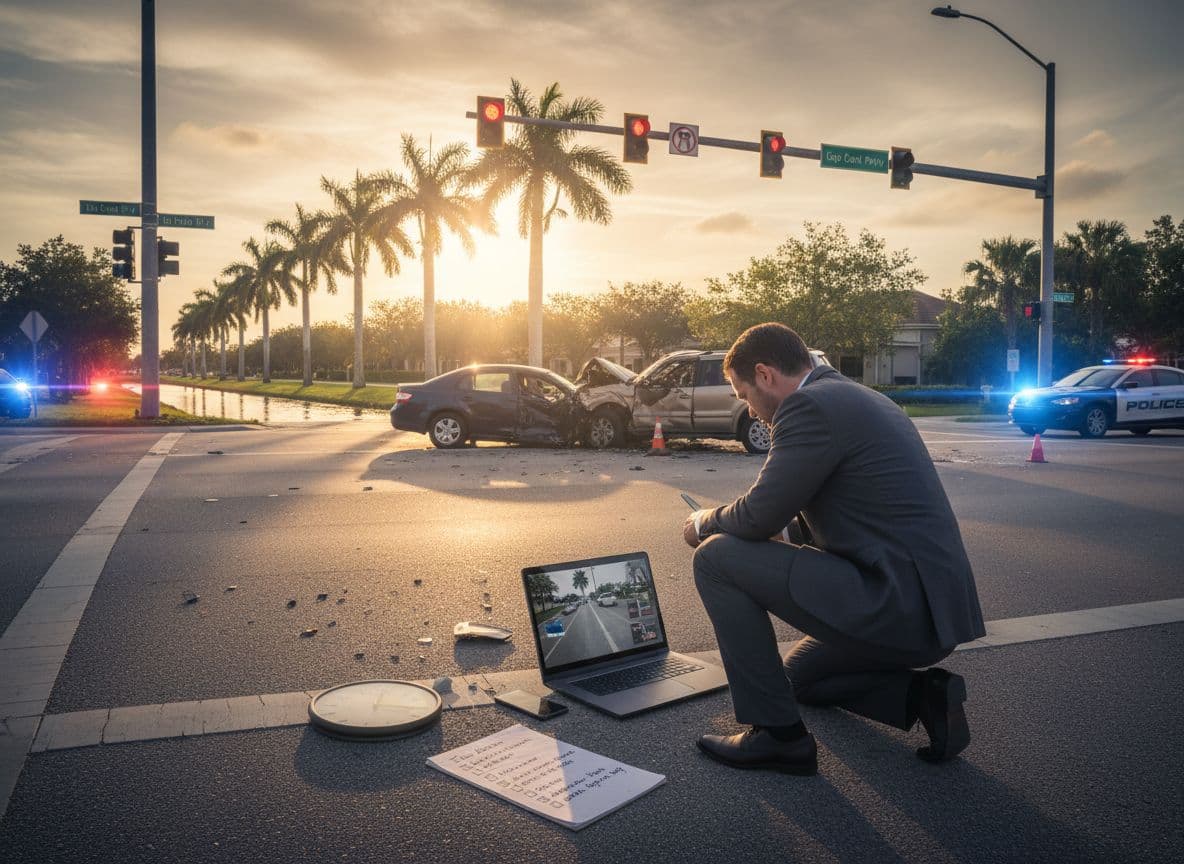
After a crash, memories blur and stories change. Cape Coral traffic camera video can act like a quiet witness that doesn’t get tired, nervous, or confused. When it exists, it can show who entered on red, who failed to yield, and whether a driver was speeding or distracted.
The catch is simple: camera footage often disappears fast. Some systems overwrite in days, and some clips are saved only if someone asks for them in time. If you think video might help your claim, treat it like ice in the Florida sun. Move quickly or it’s gone.
Why you need to act fast (camera footage is often overwritten)
Traffic and red-light systems don’t keep video forever. Many are designed to record over old data on a loop. Others save only short event clips, not long continuous recordings.
In practice, footage may last as little as 24 to 48 hours in some systems, or it may be kept longer (sometimes weeks). There’s no single statewide Florida rule that guarantees how long a city or vendor must keep traffic camera video, so the safest plan is to assume you’re on a very short clock.
If you do only one thing today, do this: start the request process immediately, even if you’re still waiting on the crash report number.
What kind of video might exist after a Cape Coral crash?
Before you request anything, it helps to know what you’re actually hunting for. “Traffic camera video” can mean several different sources.
Red-light enforcement cameras: These are the cameras mounted at certain intersections to capture red-light violations. They often record short clips triggered by a potential violation.
Traffic management cameras: These may be used for monitoring traffic flow. Some stream live and don’t record, others keep recordings for a limited time.
Police video: Responding officers may have dash cam and body-worn camera footage, plus related audio.
Private video: Gas stations, banks, restaurants, HOAs, and homeowners’ doorbell cameras often capture angles that government cameras miss.
You don’t need to know which one exists to start. You just need the right details and the right contacts.
Fast steps to preserve video in the first 24 hours
Speed matters more than perfection here. Start with what you know and tighten the details as you get more information.
- Write down the exact location and direction of travel. Not just “Pine Island Road,” but the intersection, which lane, and which direction you were headed.
- Lock in the time window. Use your phone call log, text timestamps, or location history to narrow the crash time. Ask for a buffer (example: 10 minutes before and after).
- Take wide photos of the intersection. Include any visible camera poles, signal arms, and nearby businesses that might have cameras.
- Request the crash report and note the case number. You can still request video without it, but having it helps the agency find the right incident.
- Send a preservation request right away. Even a short written request that says “please preserve all video from X location at X time” can help stop routine deletion.
For broader post-crash guidance that protects your claim, review What to Do After a Car Accident in Cape Coral: Essential Steps and Expert Advice.
Who to contact for Cape Coral traffic and red-light camera footage
The right contact depends on who owns the camera. Start local, then expand if needed.
Cape Coral Police Department (CCPD) Records Division (start here)
For many crash-related records requests, CCPD Records is the fastest first call.
- CCPD Records Department phone: 239-574-0695
- In person: 1100 Cultural Park Blvd, Cape Coral, FL 33990
- Non-emergency line (if you need direction): 239-574-3223
- Online: CCPD’s website (capecops.com) includes a “Request a Public Record” option
When you contact records, be ready with:
- Date and time (and your best estimate if unsure)
- Exact intersection or roadway segment
- Direction of travel and which lanes matter
- Any case number you have
- The format you want (video file, not screenshots)
Also ask whether the footage is held by CCPD or another city department or vendor.
City, county, or roadway owners (when the camera isn’t police-owned)
Some cameras belong to a traffic engineering group rather than law enforcement. If CCPD tells you they don’t control that camera, ask for the correct department name and the best way to submit a public records request to that office.
If the crash happened on a state road, the Florida Department of Transportation (FDOT) may control certain cameras. FDOT also has a public records request process. Keep your request narrow so it’s easier to locate and produce.
Nearby businesses and homeowners (often the best angle)
Private cameras can be gold because they may show the lead-up, not just the impact. Don’t wait for weeks.
A simple approach works:
- Visit or call the business manager
- Ask if they have exterior cameras covering the road
- Request they save the footage immediately for the time window
- Offer a way to deliver it (email link, thumb drive, or you pick it up)
If they hesitate, ask them to at least preserve it while you sort out the formal request.
How to write a clear public records request (so it doesn’t get stalled)
You don’t need special legal words. You need specifics.
Include these items in your request:
- What you want: “Any and all video footage showing the collision and the 10 minutes before and after.”
- Where: Intersection and nearby landmarks (example: “northwest corner camera facing eastbound” if known)
- When: Date, time, and the time buffer
- How you want it: Digital copy of the original file if available
- Your contact info: Phone and email
- A preservation line: “Please preserve any responsive video to prevent deletion.”
Keep it focused. A tight request is processed faster and can reduce fees.
Deadlines that matter (video retention and claim timing)
There are two clocks running after a crash: the footage clock and the legal clock.
Footage clock: Many systems overwrite quickly. Don’t assume the city will hold it just because a crash happened. Request it immediately, and follow up within a few business days if you don’t get a response.
Insurance and injury claim clock: Florida also has strict timing that can affect your recovery.
- PIP coverage often depends on getting medical care quickly (many people know the 14-day rule).
- For lawsuits based on negligence, Florida generally uses a two-year deadline in many injury cases (timing can vary by claim type and facts).
Video won’t help if your claim is already time-barred, and your claim won’t help if the video is already overwritten. Treat both as urgent.
To understand how Florida’s rules can shape your options after a local crash, see How Florida’s No-Fault Law Impacts Your Cape Coral Car Accident Claim.
What if the agency says the video can’t be released?
You may hear “no” for reasons that have nothing to do with whether the video exists.
Common issues include:
- Active investigation: The agency may delay release while a case is open.
- Privacy redactions: Faces, plates, or other details may be blurred, which can take time.
- Not recorded: Some cameras are live-only and don’t save footage unless flagged.
If the stakes are high, a personal injury attorney can push the process forward, demand preservation in writing, and use formal legal tools when needed (including subpoenas in the right case). Attorneys also know how to document the chain of custody, which matters if the footage needs to hold up under pressure.
For a sense of how proof issues like video can affect case value, read Average Settlement Values for Car Accident Claims in Cape Coral by Injury Type.
Conclusion
Getting red-light and traffic camera video in Cape Coral is a race against automatic deletion. Start with CCPD Records, ask who owns the camera, send a clear preservation request, and follow up fast. When the footage matters, speed and specific details are what save it.